About the client



Client’s challenge
The client wanted to simplify migration configuration, support custom migration scenarios, and automate recurring data transfers while maintaining the reliability and security required for enterprise operations.

- Legacy desktop architecture
- Limited support for custom migration scenarios
- Manual setup and management of migration processes
- Complex migration scheduling
- Limited visibility into migration progress and errors
Solution
NEKLO analyzed the existing platform and worked with the client to select the technology stack, document technical and functional requirements, and develop new capabilities for automated enterprise data migration.

Backend migration to .NET
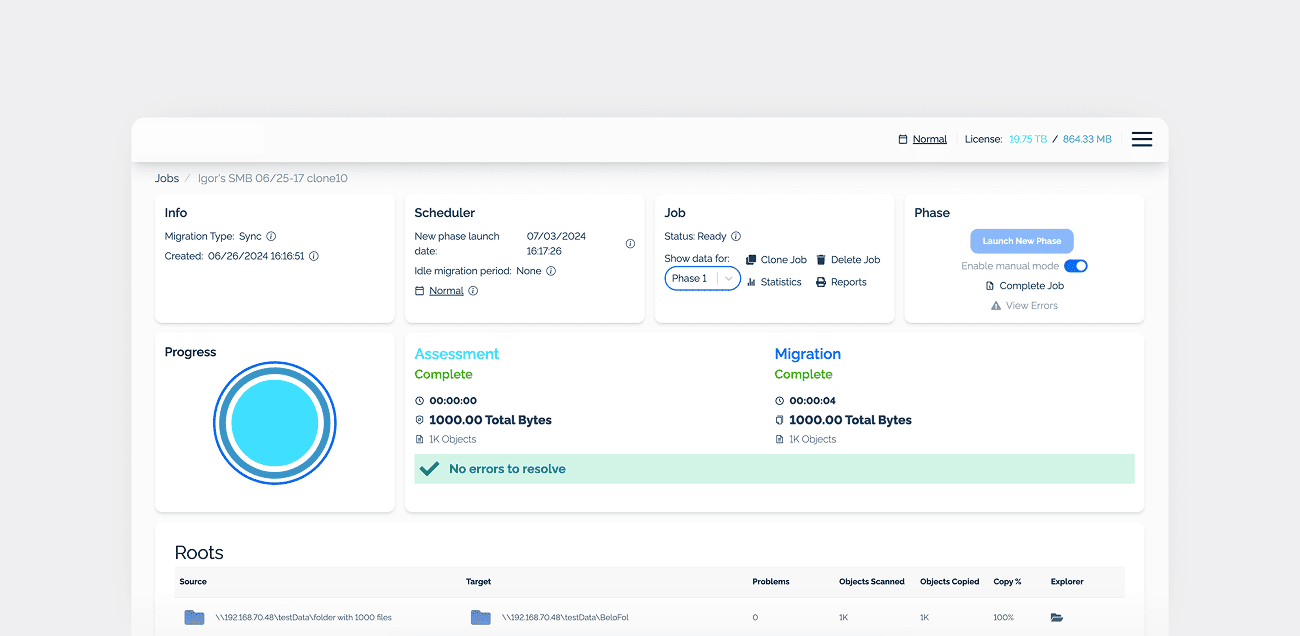
We migrated the platform's backend from Node.js to .NET 6 to support the modernization of the existing system. The updated backend was designed to improve performance and scalability while providing a foundation for additional data migration and management features. This transition helped prepare the platform to handle complex migration workflows and the needs of enterprise customers working with large data volumes.

Reliable data migration and recovery
To improve the reliability of data transfers, we implemented functionality that allows migration processes to pause and resume without losing progress. The platform automatically saves migration progress and can resume operations after interruptions, such as power outages or system failures. This helps users avoid restarting transfers and supports more reliable migration of large data volumes.

Automated migration cycles
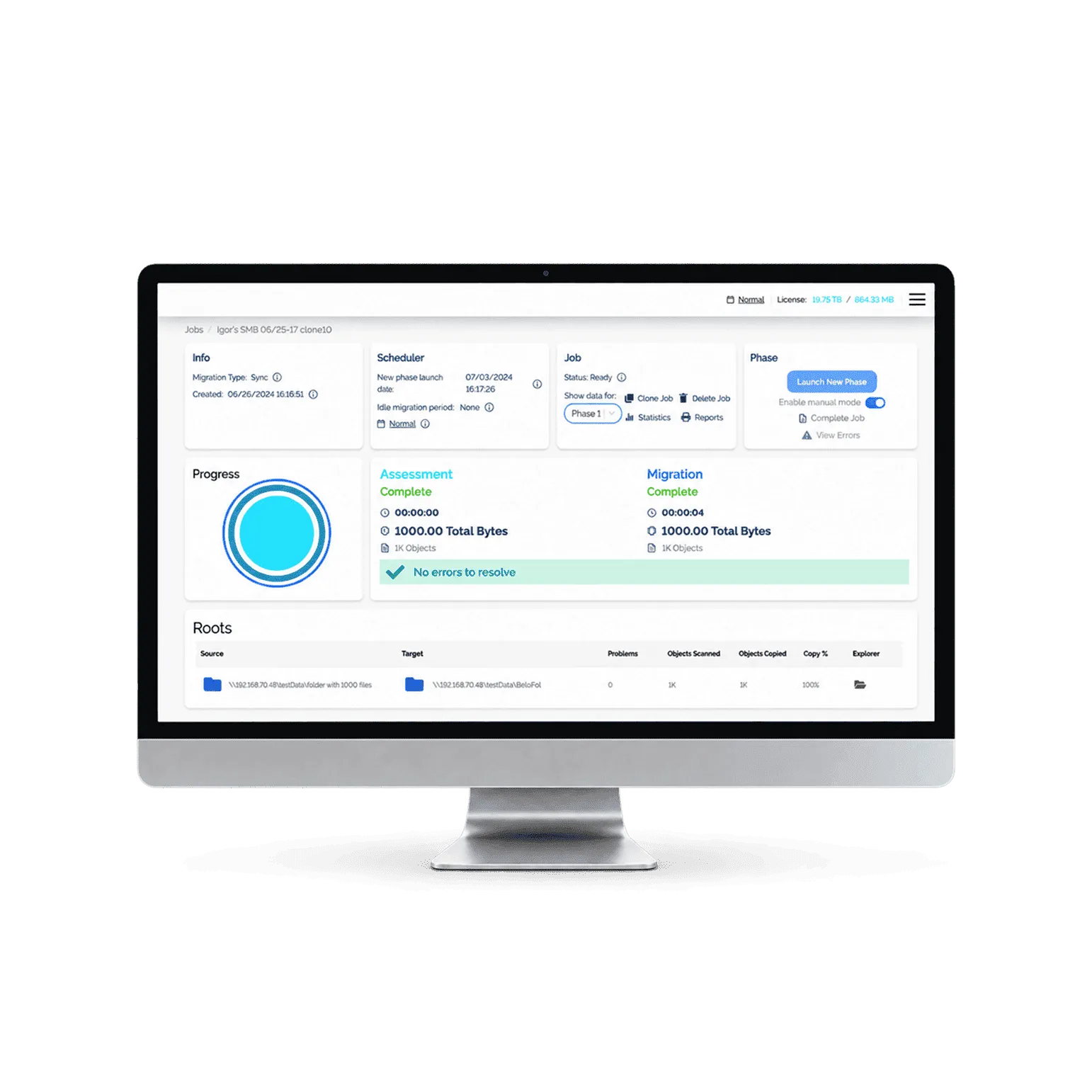
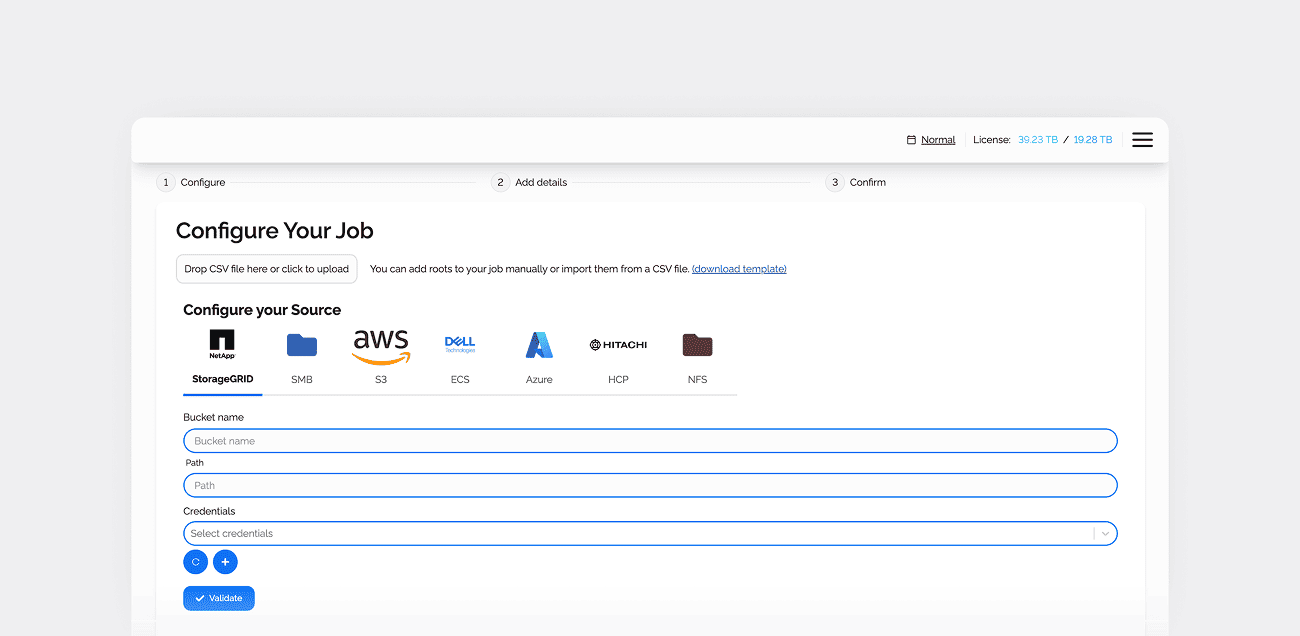
NEKLO developed two migration modes to accommodate different data transfer requirements. One-time migration moves existing data between storage systems, including transfers to new storage formats, while ongoing migration synchronizes changes from the source at configurable intervals. We also introduced automated migration cycles that can operate for extended periods, including workflows lasting up to six months. Users can configure transfer parameters and let the platform execute recurring jobs without manually initiating each migration.

Flexible migration scheduling
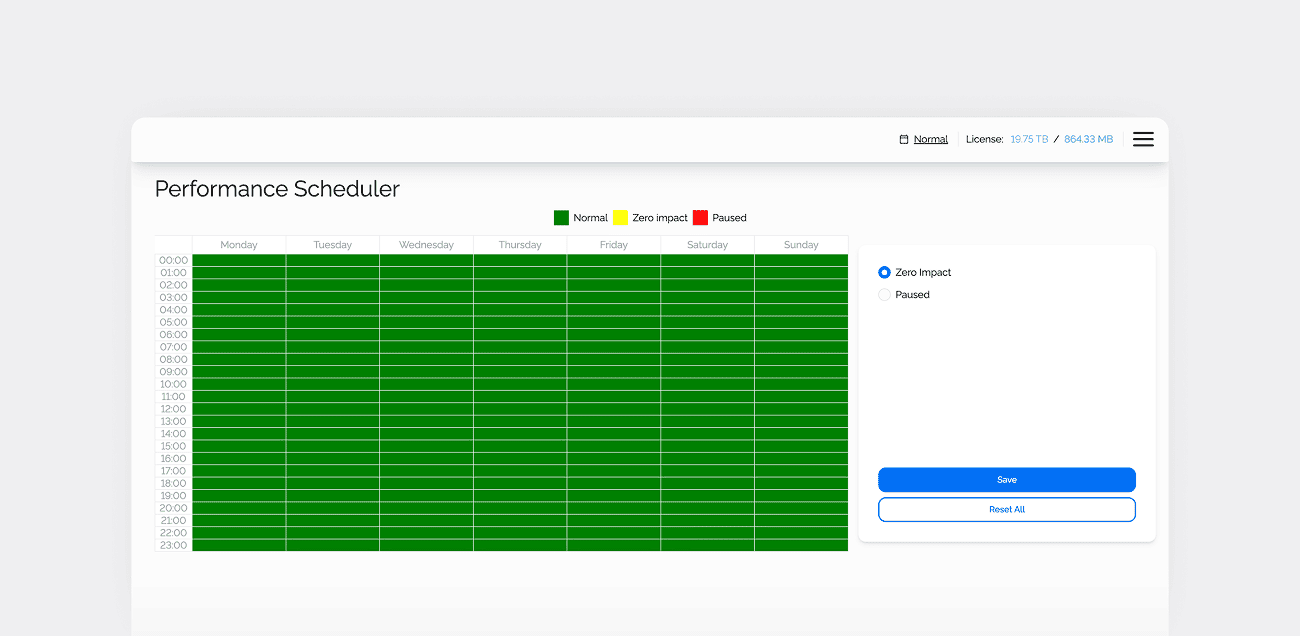
To give users more control over migration timing, we implemented a scheduling feature with designated time slots. Users can define green time slots when migration jobs are allowed to run and red time slots when they should pause. The platform automatically stops migration processes when a restricted period begins and resumes them during the next available window. This helps businesses schedule data transfers around periods of higher system load and minimize disruptions to ongoing operations.

Data migration monitoring and alerts
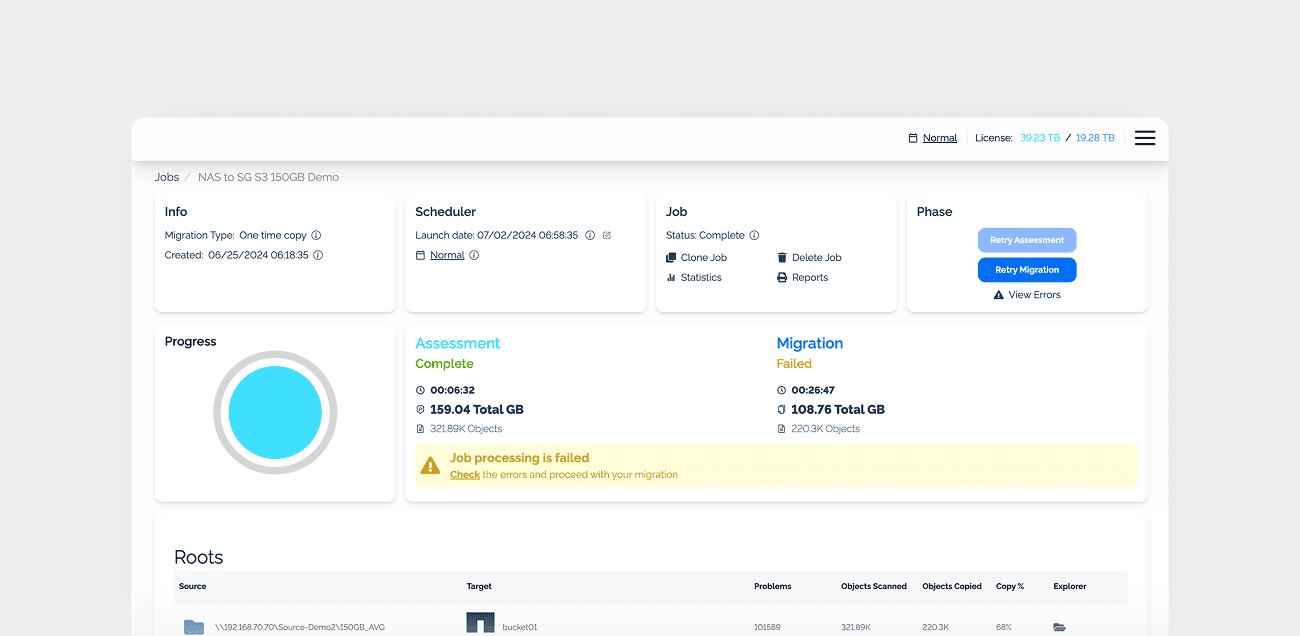
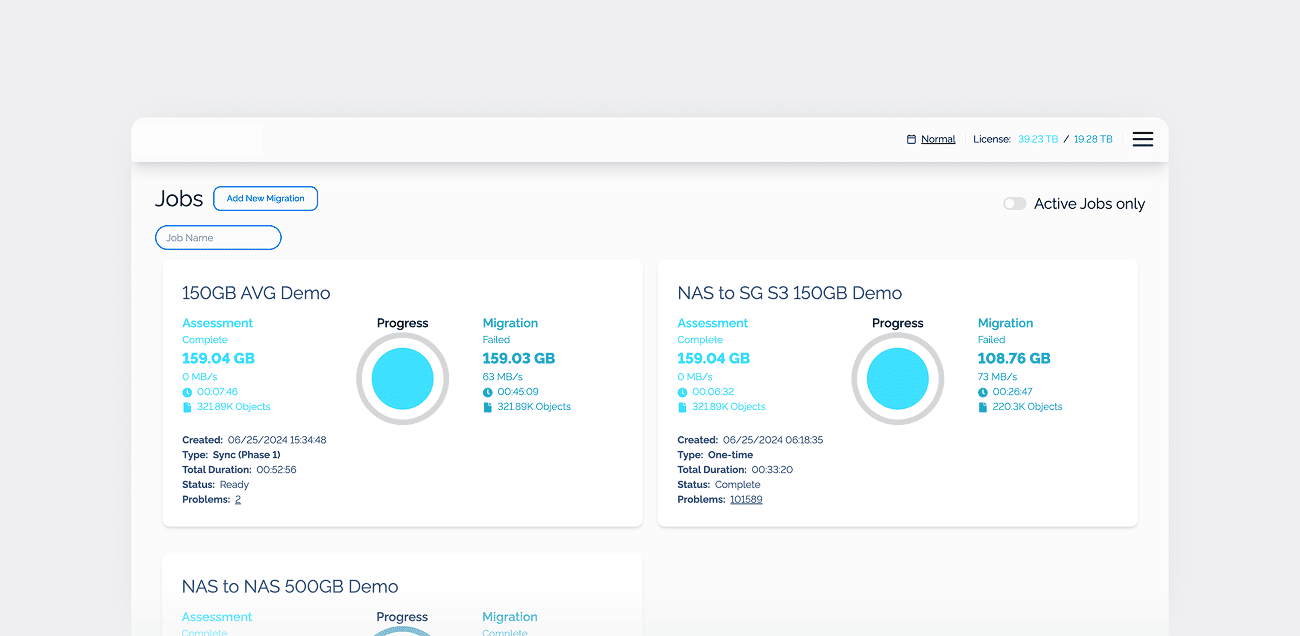
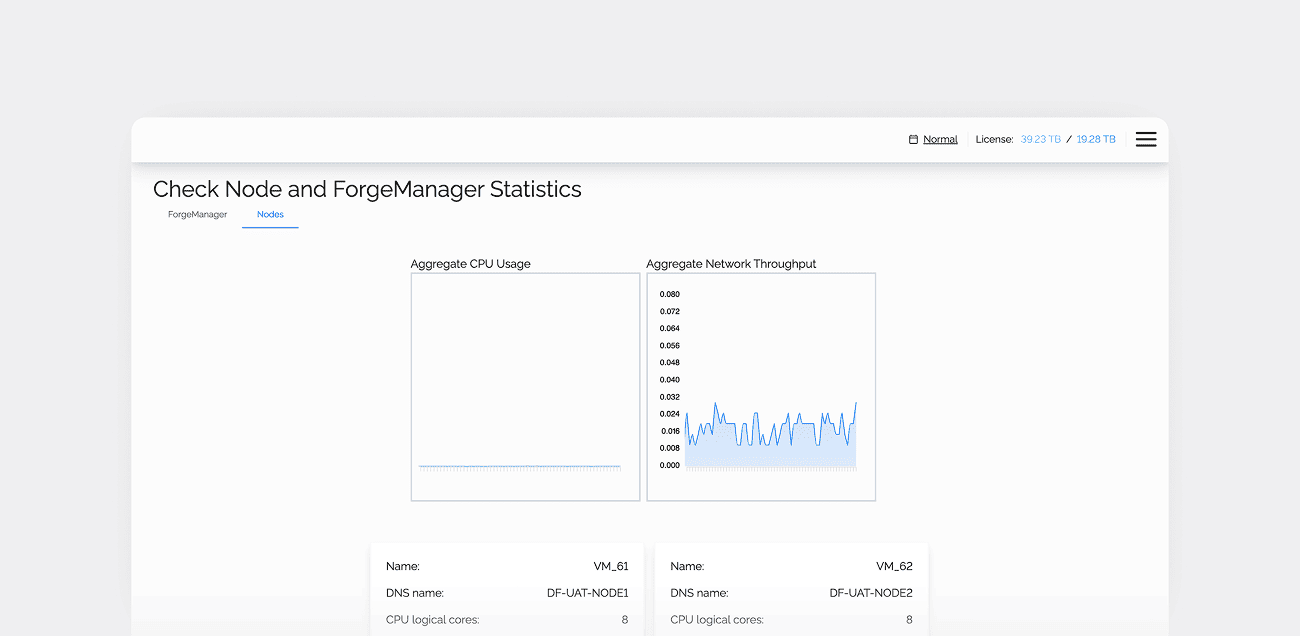
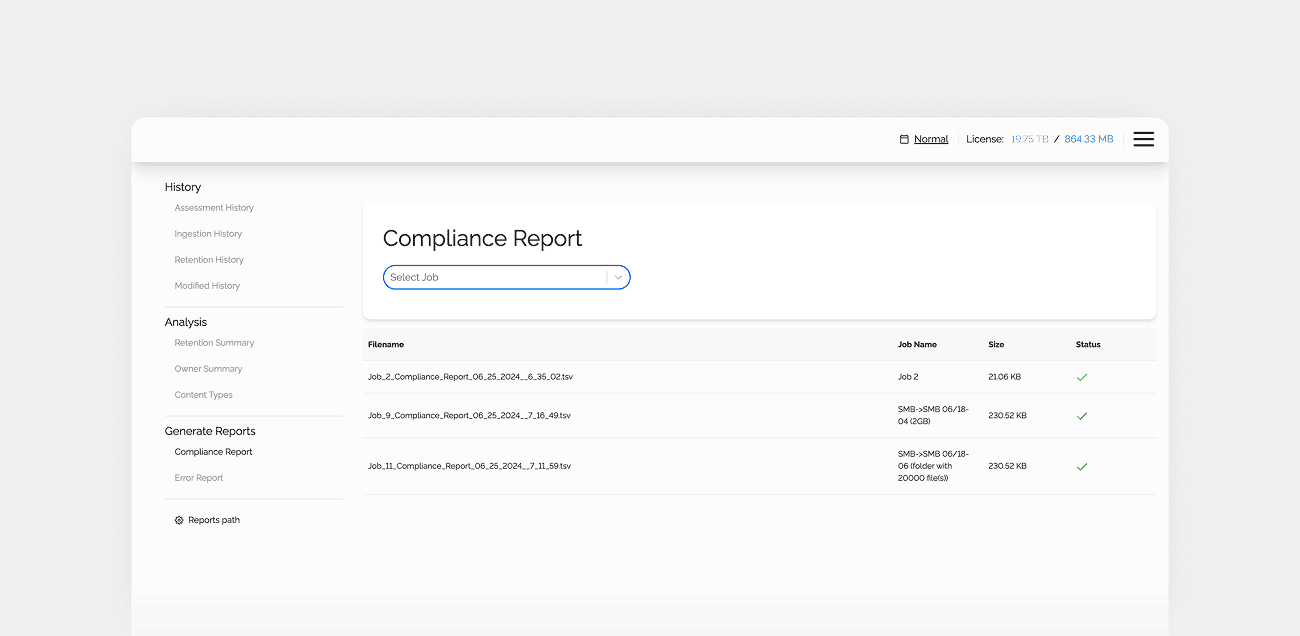
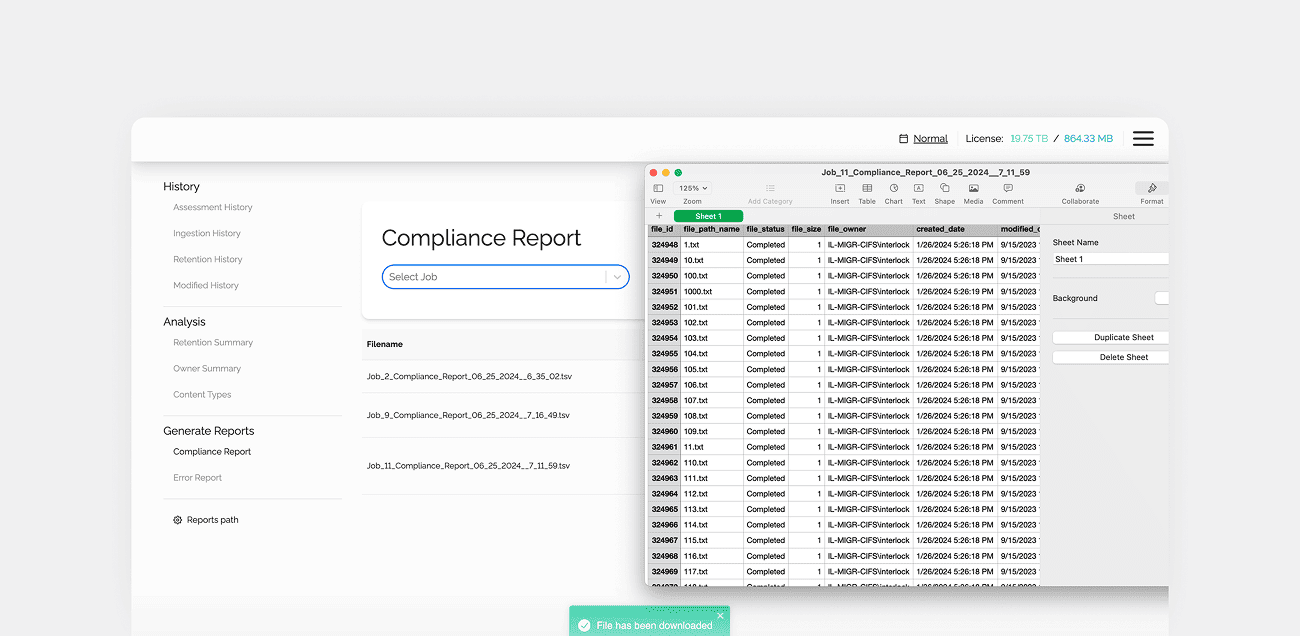
We added reporting and alerting features to give users better visibility into migration processes. The platform displays statistics on transferred data volumes, migration jobs, and processed objects. When a migration fails, users can review a list of errors to identify issues and determine what needs to be resolved. An alerting system also notifies users about migration events, helping them monitor operations and respond to problems.

License and data volume management
We implemented license management functionality that allows users to monitor their available balance and purchase additional terabytes for data migration. This gives customers a way to manage their migration capacity directly within the platform and extend it as their data transfer needs grow.
Process
Our team followed a structured approach to modernizing the existing data migration platform and introducing automated workflows for enterprise users.

1. System analysis and planning
2. Backend modernization and feature development
3. Platform refinement and production preparation
1. System analysis and planning
2. Backend modernization and feature development
3. Platform refinement and production preparation

Technologies
Front-end


Back-end


Deliverables