



Finding the best EHR software seems easy until you’re actually dealing with clunky interfaces and data silos. From a dev perspective, "best" isn't about clean dashboard icons; it's about how the tool aligns with your data architecture and growth potential.
This guide goes past the marketing noise to rank the best EMR and EHR software for 2026, provides a solid framework for selecting the right fit, and explores when building a custom solution is a more strategic investment than paying for a SaaS that doesn't cut it all the way.
Key takeaways
- EHR > EMR for scalability: if you plan to share data with specialists or scale your practice, prioritize an EHR (Electronic Health Record). A standalone EMR is a digital silo; an EHR is a connected ecosystem.
- API maturity is your safety net: for long-term flexibility, choose vendors with mature RESTful APIs (like athenahealth or DrChrono). "Closed" systems are technical dead ends that make future custom integrations or data migrations incredibly expensive.
- Specialization over generalization: don't force a general EHR into a niche workflow. Tools like WebPT (Physical Therapy) or Develo (Pediatrics) offer higher ROI by reducing the "manual workarounds" required in generic platforms.
- The "free" fallacy: open-source tools like OpenEMR have no licensing fees, but they aren't "free." You will trade subscription costs for developer resources to handle hosting, security, and HIPAA compliance.
- Measure "click-count," not features: clinical burnout is driven by "human middleware." The best software isn't the one with the most icons; it’s the one that requires the fewest clicks to complete a standard patient encounter.
- Calculate TCO, not just subscription price: if your five-year Total Cost of Ownership for a SaaS exceeds $500k while still requiring manual tasks, a custom-built or hybrid solution is likely your more profitable long-term move.
EMR vs. EHR: what’s the difference?
Before we dive into the rankings, let’s clear up the terminology. Understanding what is the difference between emr and ehr is the first step in ensuring you don't build your workflows on a technical dead end.
An EMR (Electronic Medical Record) is essentially the digital version of a patient’s paper chart. It’s an internal tool designed for use within a single practice.
An EHR (Electronic Health Record), however, is built for interoperability — it’s designed to share data across different healthcare providers and specialists.
Think of it like this: an EMR is like a local hard drive — secure and accessible, but only from that specific "computer." An EHR is the cloud — a dynamic ecosystem where data moves with the patient.
Do you need an EHR or EMR?
Deciding between these two isn’t just about comparing features; it’s a question of business maturity and your roadmap for the next five years.
For independent clinics, the search usually starts with finding the best EMR for small practice. At this stage, lower overhead and charting speed are the primary drivers. However, many "budget" EMRs eventually hit a growth ceiling — an EMR limits your ability to share data or scale as your patient volume increases.
On the other hand, large enterprises and hospital networks are rarely looking for a simple digital chart. They are asking, "what is the best EHR software to act as a centralized data engine?" For these organizations, the value lies in "big data" capabilities and population health management.
And that’s the problem. Choosing based on your current size rather than your future scale is the most common reason businesses eventually require a costly, mid-cycle platform migration.
The 2026 EHR/EMR comparison table
When evaluating top EMR software vendors, the differentiator for scaling healthtech products is often the maturity of their "Open Science" or API strategy. Below is a comparison of top rated EHR software solutions categorized by their technical openness and market focus.
Top-rated EHR & EMR solutions: 2026 categorized deep-dives
Choosign the right solution requires looking past the marketing slides and into the actual logic of the software. Below, we’ve categorized the market leaders by their specific use cases, emphasizing not just their clinical features, but their technical "extensibility" — how well they play with other tools in your digital setup.
Group A: small & independent practices
Focus: low administrative overhead, rapid charting, and intuitive UX.
For those searching for the best EMR for small practice, the goal is usually to minimize the "time-to-chart." Small teams don't have the luxury of a dedicated IT department to manage complex server logic.
Tebra
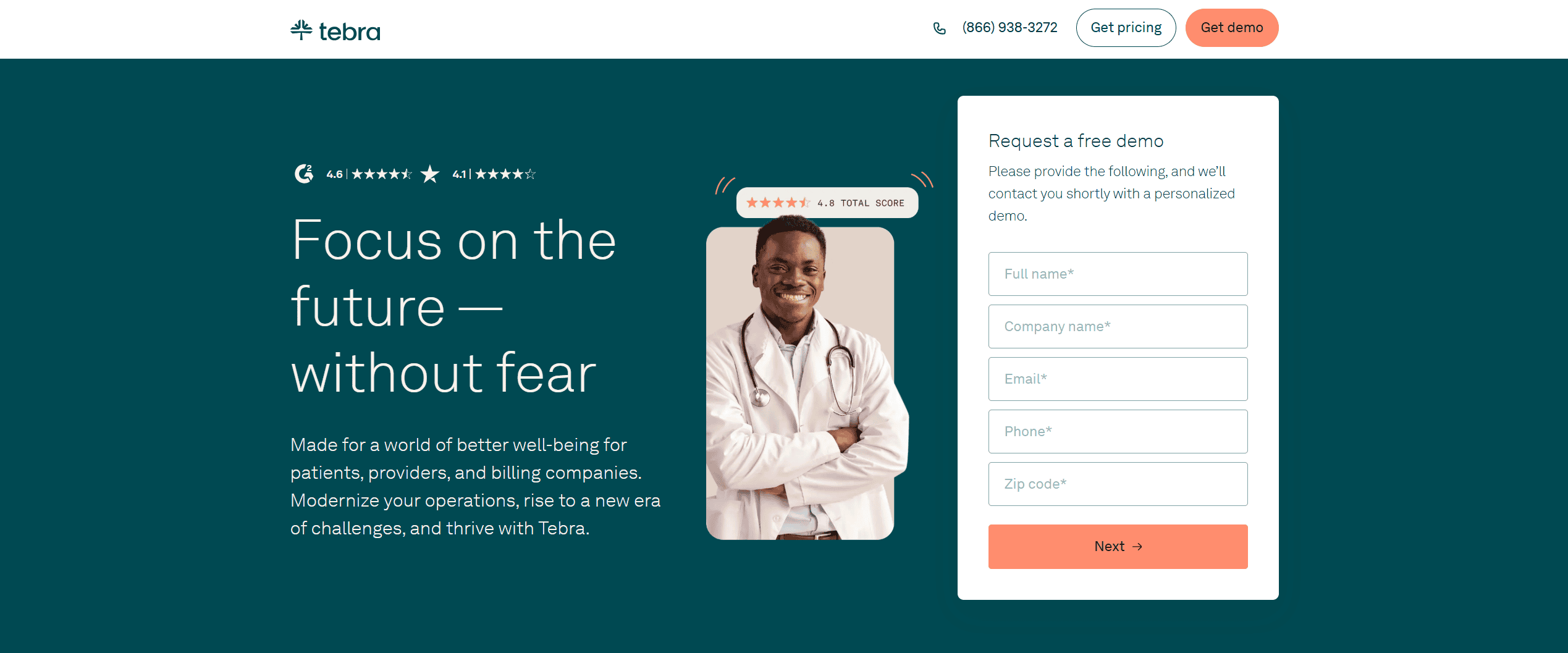
Often cited as the best EMR software for small practices due to its all-in-one approach. It bundles clinical charting with robust billing and patient engagement tools.
- Pros: highly intuitive interface; excellent "Tebra University" training resources.
- Cons: billing clearing issues can occasionally lead to claim rejections.
- Pricing: $99–$399/provider/month.
DrChrono
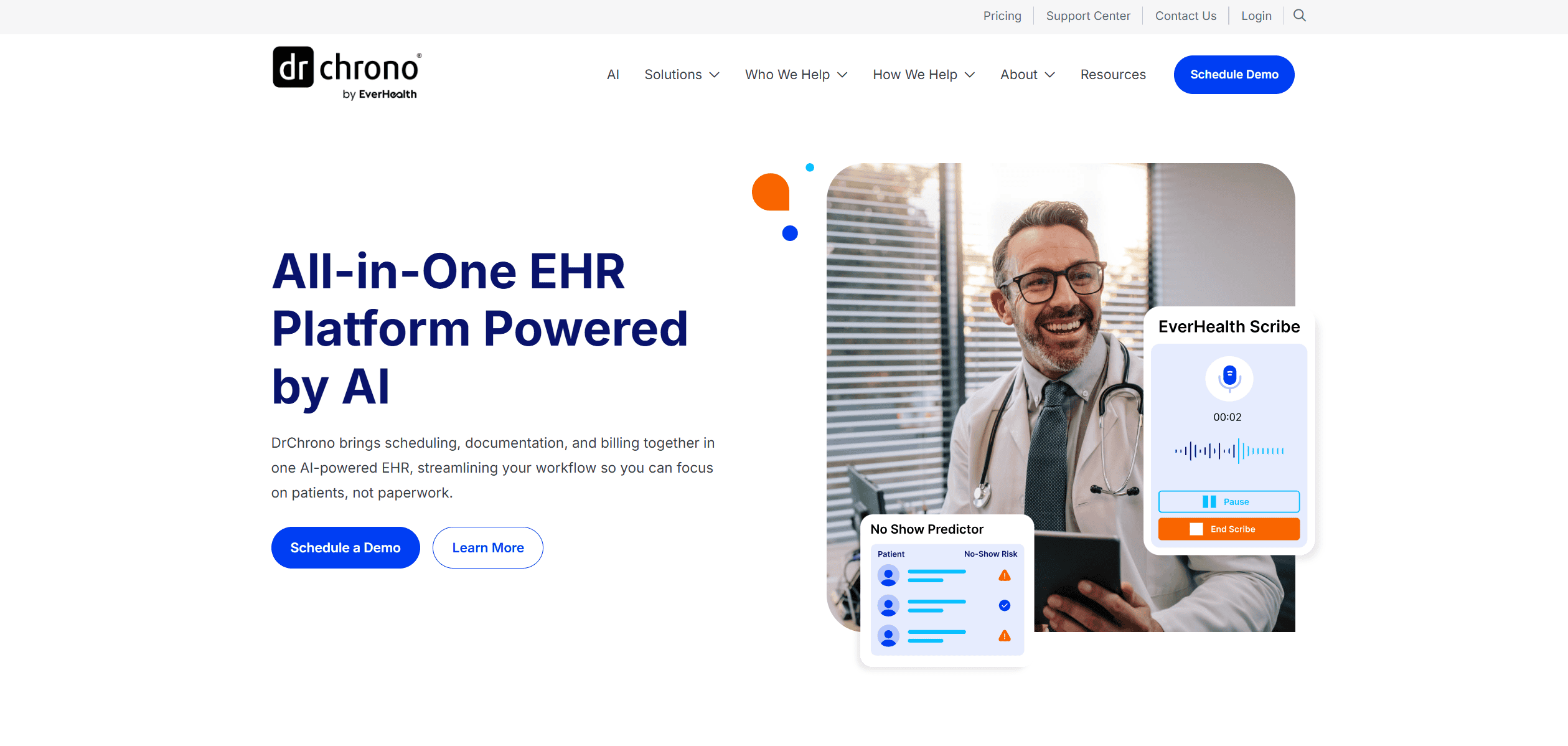
The go-to for best EMR software for independent practices that are "mobile-first." It is heavily optimized for iPad and Apple ecosystems.
- Pros: exceptional mobile charting; strong e-prescribing (EPCS) workflow.
- Cons: can be buggy during peak hours; Android support is limited.
- Pricing: starts at ~$199/provider/month (quote-based).
The dev’s take: DrChrono is the winner if you’re up for tinkering with it. Its RESTful API is one of the most mature in the industry, making it significantly easier to build custom patient portals or data analytics layers on top of it. Tebra is great for "out-of-the-box" use, but custom integrations can be more rigid and costly to implement.
Group B: mental health practices
Focus: HIPAA-compliant teletherapy, longitudinal tracking, and DSM-5 integration.
Mental health requires a different data model than physical medicine. The best EHR software for mental health must prioritize "the golden thread" — ensuring the diagnosis, treatment plan, and progress notes are seamlessly linked for insurance audits.
SimplePractice

Widely considered the best EHR software for therapists and solo practitioners. It’s a "business-in-a-box" that handles everything from the first contact to the final payment.
- Pros: polished teletherapy tools; automated credit card processing (Stripe).
- Cons: higher price point for the "Plus" tier; limited custom reporting.
- Pricing: $29–$99/month.
TherapyNotes

A powerhouse for group practices needing the best emr software for mental health with a focus on administrative control.
- Pros: strict audit-ready documentation; specialized billing for behavioral health.
- Cons: interface feels slightly dated compared to SimplePractice; less customization.
- Pricing: starts at ~$50/month.
The dev’s take: SimplePractice is essentially a "walled garden." It is incredibly easy for a clinician to set up, but for a dev team looking to subcontract a modernization project, SimplePractice's limited API access can make it difficult to export data for third-party population health tools.
Group C: specialized clinical workflows
Focus: Niche templates and specialty-specific outcome measures.
A generic EHR is often a burden for specialists. Using the best pediatric EMR software or a dedicated PT tool ensures the templates actually match the clinical reality.
Pediatrics
PCC (Physicians Computer Company) or Develo. These are the gold standards for managing sibling records and vaccine inventory — two areas where general EHRs fail.
Physical therapy
WebPT. The undisputed leader for the best EMR software for physical therapy that features built-in Medicare compliance and rehab-specific outcome tracking.
Ophthalmology
ModMed (Modernizing Medicine). Known as the best ophthalmology emr software for its "adaptive learning" engine that charts at the speed of an eye exam.
The dev’s take: Specialized systems like WebPT and ModMed often have very rigid internal data structures. If you are looking to migrate from these systems or integrate a new custom module, you’ll need a vendor with deep experience in HL7/FHIR standards to bridge the gap.
Group D: the budget entry coint
Focus: lowering the barrier to entry (with a technical disclaimer).
If you are a solo practitioner just starting out, you might search for the best free EHR software. While these lower your initial overhead, they often carry "hidden" technical debt.
OpenEMR: a truly free, open-source platform. It is incredibly powerful but requires someone to host, secure, and update it.
CharmHealth: offers a free tier for up to 50 patient encounters per month. It’s a modern, cloud-native solution that scales well.
The dev’s take: "free" is never truly free in healthcare. With OpenEMR, you aren't paying a license fee, but you are paying for the dev resources to maintain the server and ensure HIPAA compliance. For a small practice, a low-cost SaaS like CharmHealth is often cheaper in the long run than managing your own open-source instance.
The "buy vs. build vs. customize" decision
Selecting from the top EMR software solutions is only the first half of the battle. The second half is ensuring that software actually serves your business rather than forcing your clinicians to serve the software.
In healthcare tech, there is rarely a perfect "out-of-the-box" fit. Most stakeholders eventually face a critical decision: do we keep fighting with a rigid SaaS, do we customize it until it works, or do we build a proprietary solution that we actually own?
The "out-of-the-box" experience
Industry data suggests that nearly 70% of EHR implementations fail to meet their initial ROI or satisfaction goals. That’s because most off-the-shelf software is designed for the "median" practice. For a specialized clinic that "average" logic may create friction.
When you choose even the top rated EHR software, your clinicians may spend more time navigating menus than seeing patients because of how bulky the solution is. If your team is spending 20% of their day working around the limitations of a SaaS, you aren't just paying for a subscription; you are paying a "tax" on your operational efficiency.
Modernization & the "legacy data" hurdle
For established organizations, the question of which EHR software is best is often complicated by a decade of legacy data. Moving from a 10-year-old EMR to a modern EHR is not a simple "copy-paste" job. They’re risking data loss or corruption during mapping.
The hybrid path: custom modules for SaaS
You don’t always need to build a new EHR from scratch. Sometimes, you like the billing engine of a major vendor but hate their patient portal. Or perhaps you need an AI-driven diagnostic module that doesn’t exist in their marketplace.
This is where customization provides the highest ROI. By building custom modules or specialized integrations for your chosen SaaS, you get the stability of a market leader with the competitive advantage of a bespoke tool.
The case for custom build
If your business model relies on a unique clinical workflow that is your primary "secret sauce," or if your patient volume makes per-provider licensing fees unsustainable, it’s time to consider a custom build. A custom EHR/EMR allows for:
- Total data sovereignty: you own your data architecture.
- Zero licensing fees: high upfront cost, but 30-40% lower TCO over five years.
- Workflow perfection: the software is a "tailor-made suit" for your specific clinical logic.
The bottom line: the "best" software is the one that allows you to automate as many workflows as possible without a massive resource investment. Whether that's a pure SaaS, a customized hybrid, or a full custom build depends entirely on your technical maturity and growth roadmap.
5 steps to evaluating your digital setup
Choosing a platform from the sea of top EMR software solutions is a high-stakes decision. To avoid the regret that plagues many practices, you need a systematic evaluation process that goes deeper than a sales demo. Use this 5-step framework to determine which EHR software is best for your specific technical and clinical needs.
1. Audit the data flow: find the "dead ends"
Before looking at new software, map your current journey. Where does information stop moving?
- Look for the workarounds: if a staff member has to print a PDF from one system to manually type data into another, you have a data silo.
- The goal: identify every point where "human middleware" is required. The best setup isn't the one with the most features; it’s the one that allows data to flow from intake to billing without manual intervention.
2. Define your automation cases
Don't try to automate everything at once. Focus on high-volume, rule-based tasks that offer the highest immediate ROI.
- Patient intake: moving from paper clipboards to digital forms that auto-populate the EHR.
- Billing sync: real-time eligibility checks and automated claim scrubbing to reduce denials.
- Ambient documentation: leveraging AI-driven voice-to-charting to eliminate "pajama time" (after-hours charting).
3. Extensibility check
This is the most overlooked step. If you ever plan to scale or build a custom patient app, you must verify the vendor's API maturity.
- The checklist: does the vendor have a public developer portal? Do they support FHIR R4 standards? Is there a sandbox environment for testing?
- Why it matters: a software with a "closed" system is a technical dead end. If you want to integrate a third-party AI diagnostic tool or a custom dashboard later, an "extensible" EHR will save you hundreds of thousands in custom development workarounds.
4. Test drive
During a demo, don't let the salesperson lead. Perform a "standard encounter" (e.g., a return patient with two new symptoms and a prescription refill).
- The metric: count the clicks. In the world of clinical burnout, every extra click is a friction point.
- Usability over flash: if it takes 15 clicks to send a simple referral, that software will eventually be hated by your clinical staff, regardless of its "top-rated" status.
5. The real ROI: TCO vs. custom build
Stop looking at just the monthly subscription fee. Calculate the Total Cost of Ownership (TCO) over five years.
- Subscription costs: licenses + support fees + integration fees.
- The custom pivot: if your TCO for a SaaS over five years exceeds $500k and still requires manual workarounds, a custom-built solution or a heavily customized hybrid might actually be the cheaper, more efficient path.
Conclusion: beyond the software
Ultimately, the search for the best EMR software or the top rated EHR software isn’t about finding a unicorn platform that solves every problem out of the box. In 2026, the "best" software is defined by its ability to blend into your workflow — becoming a seamless engine for data and not a hurdle for your clinicians.
Whether you choose a market leader like Epic or Athena, a specialty-focused tool like WebPT, or decide to build a proprietary system, your success depends on how that tool fits into your 5-year digital transformation roadmap. The goal isn't just to digitize records; it's to create a connected ecosystem where AI, patient data, and clinical decision-making converge to improve outcomes.


.png)


